
Difotoin.ID
Difotoin Outdoor Photobooth
A Windows-based desktop application built for photo booth outlets, enabling a complete self-service photo session experience from capture to printing and cloud synchronization.
The application handles the full flow: pick angle → capture photos → process results → choose photo → optional payment → print
Core Features
Main Flow
- Idle and screensaver mode
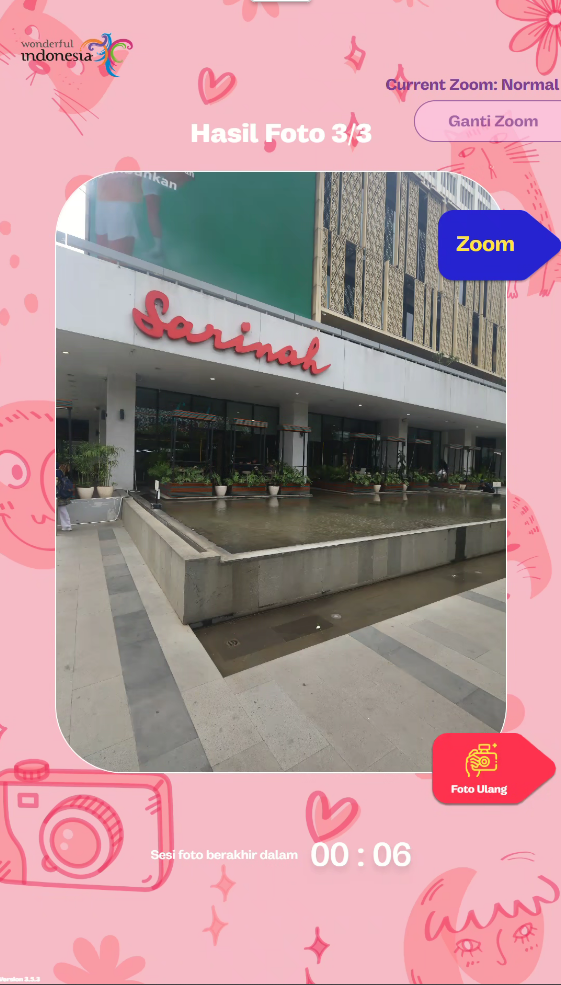
- Guided photo capture experience
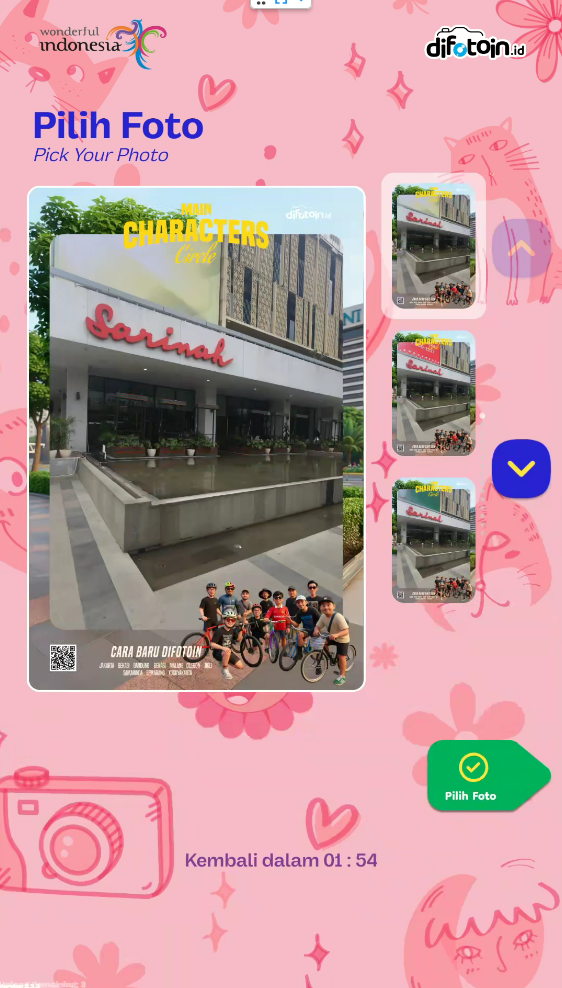
- Result preview and selection
- Optional payment handling
- Automatic printing and background upload
Capture System
- Supports webcam and DSLR cameras
- Multi-angle capture modes (high, medium, low)
Photo Processing
- Image and media processing pipeline
- Layout compositing for final outputs
- Generates print-ready images and animated formats
Printing System
- Integration with Windows-based photo printers via hot folder system
- Automatic file delivery for printing
- Basic printer status handling
Backend Integration
-
Connected to backend services for:
- Transaction handling
- Payment status updates
- Real-time session updates
Local Persistence
- Local state management and storage
- Embedded database for offline support
- Stores transaction data, media, and configuration
Upload Pipeline
- Background upload system
- Retry and synchronization handling for media files
Customization System
Configurable kiosk settings including:
- Camera setup
- Layouts and overlays
- Printer configuration
- Timing and session flow
- UI layout, text, and branding
- Scheduling and screensaver behavior
Additional Features
- Operational scheduling
- Optional visual effects (e.g. face-based features)
- Printer issue detection
- Bilingual interface
Company
PT Midory Cipta Kreasi
Logo

Tech stack
Hidden
Attachments
Project images
Next step
Want the broader picture?
The project pages are intentionally concise and field-based. The broader context lives across the experience timeline and the rest of the portfolio.